October 07, 2026
POWERED BY MSI vs. DIY PC: Which Is More Suitable for You?
Building or buying a PC is ultimately about choosing the experience that best fits your needs. Some PC enthusiasts enjoy researching every component, comparing specifications, assembling the system themselves, and fine-tuning every detail. For them, the process of building the [...]
September 29, 2026
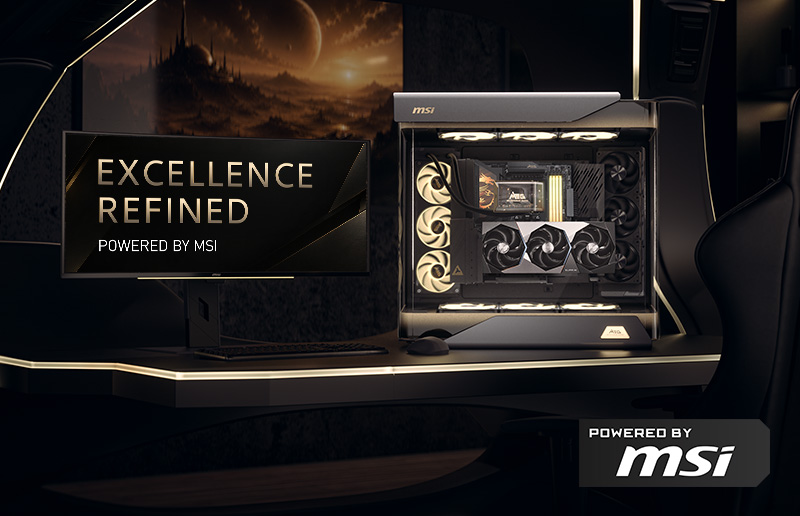
EXCELLENCE, REFINED. Where Elegance Meets the Ultimate POWERED BY MSI PC
For PC enthusiasts, a flagship PC is about more than a powerful processor or graphics card. It is about the complete experience—performance, cooling, power delivery, craftsmanship, aesthetics, and the way every component works together. That is the vision behind [...]
September 24, 2026
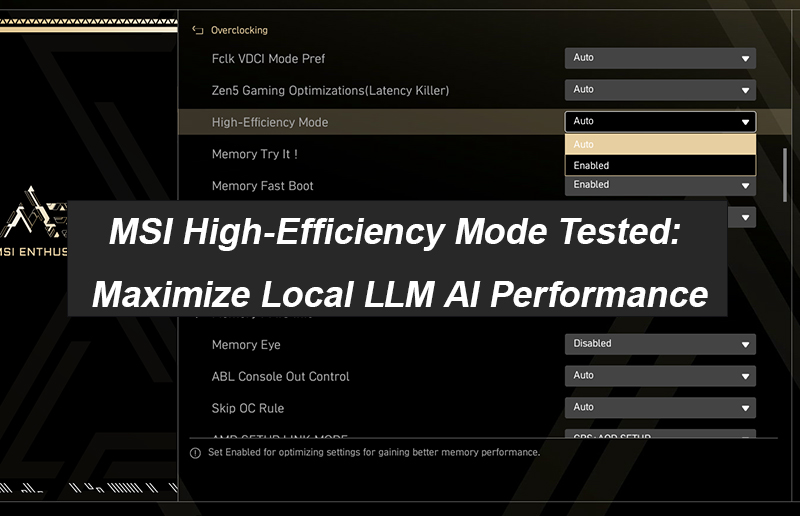
MSI High-Efficiency Mode Tested: Maximize Local LLM AI Performance
Computing power on AI platforms has become increasingly critical. While upgrading hardware delivers noticeable AI performance gains, it can be costly. To find a more cost-effective alternative, we conducted hands-on benchmark tests: by simply tweaking High-Efficiency Mode—one of the [...]
September 03, 2026
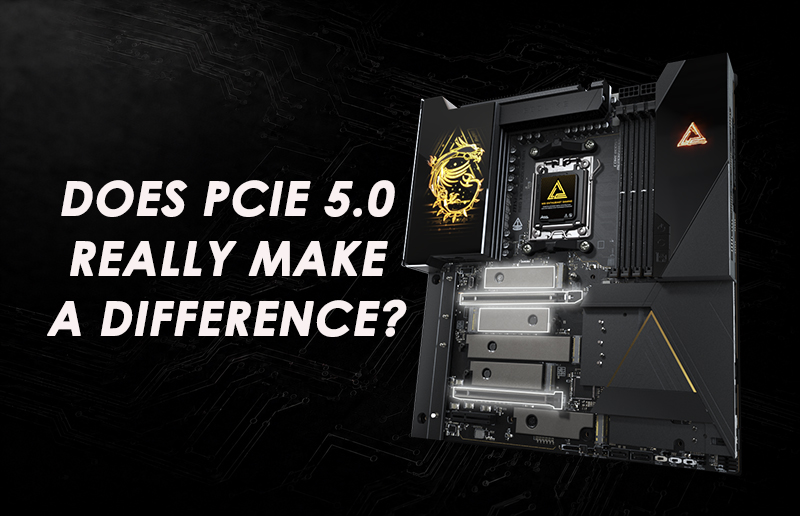
Does PCIe 5.0 Really Make a Difference? Everything You Need to Know Before Upgrading Your PC
When shopping for a new gaming motherboard, you have probably noticed one feature appearing more frequently than ever: PCIe 5.0. From motherboards and SSDs to the latest graphics cards, PCIe 5.0 has become an important part of modern PC platforms. But one [...]
August 31, 2026
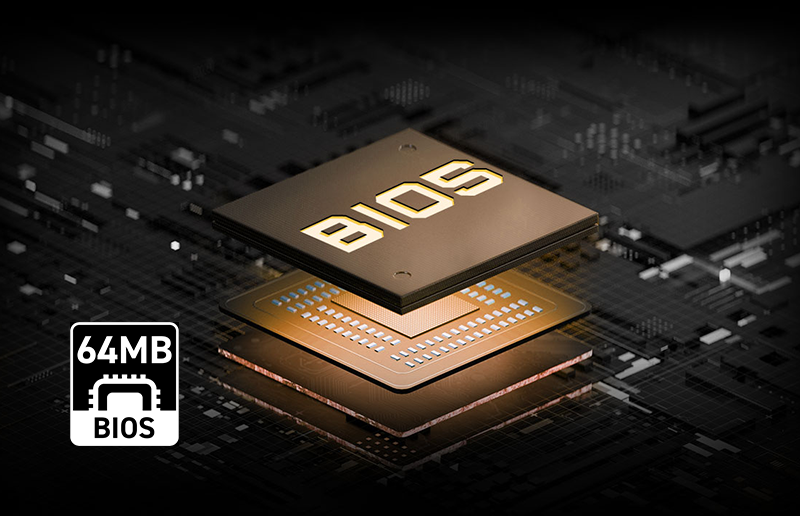
Why Does 64MB ROM Matter on a Motherboard? A Complete Guide to BIOS Storage, Features & Future-Proofing
When choosing a motherboard, specifications such as power delivery, PCIe support, memory speed, and connectivity usually receive the most attention. But another specification is becoming increasingly important for modern platforms: BIOS ROM capacity. The ROM, or flash memory chip, on [...]
August 04, 2026
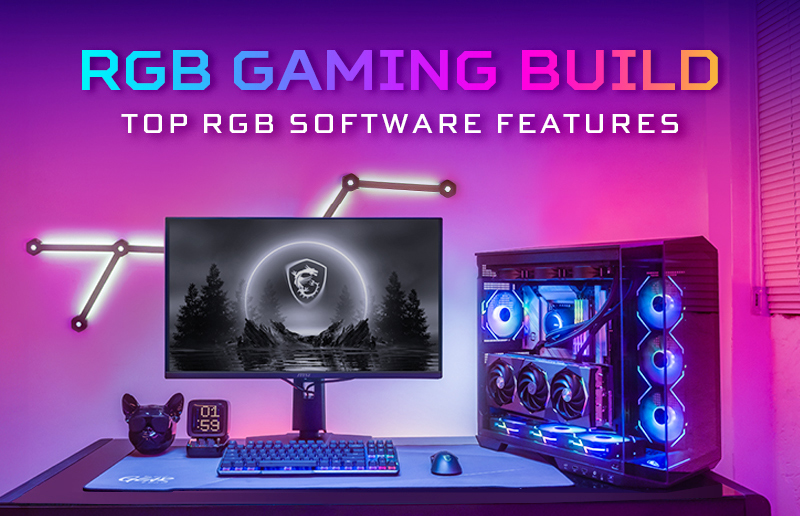
What Conditions Should the Best RGB Software Have?
Are You Getting the Most Out of Your MSI RGB Setup? You already have MSI hardware, but have you chosen the right RGB software? While premium hardware lays the foundation, your RGB software determines how seamlessly your devices work together. [...]
July 21, 2026
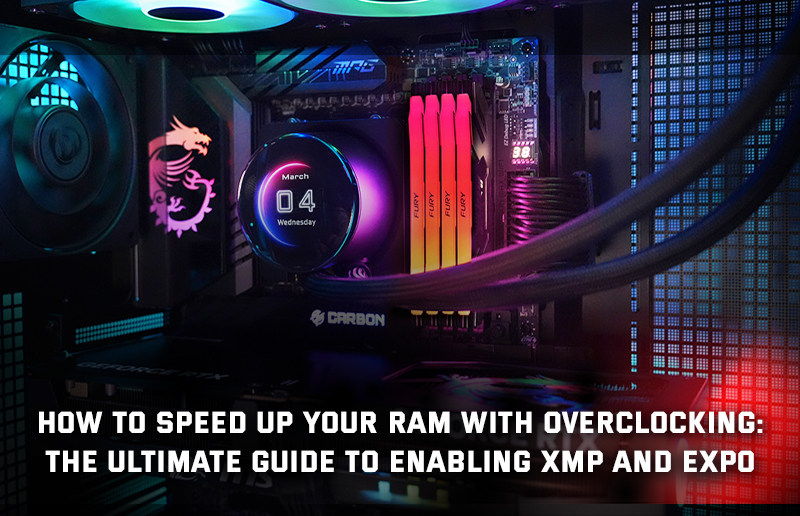
How to Speed Up Your RAM with Overclocking: The Ultimate Guide to Enabling XMP and EXPO
If you haven’t fiddled with the BIOS/UEFI of your PC in a while, just built a PC with new memory modules or upgraded your workstation, chances are your RAM is running at slower speeds than you might expect. [...]
July 06, 2026
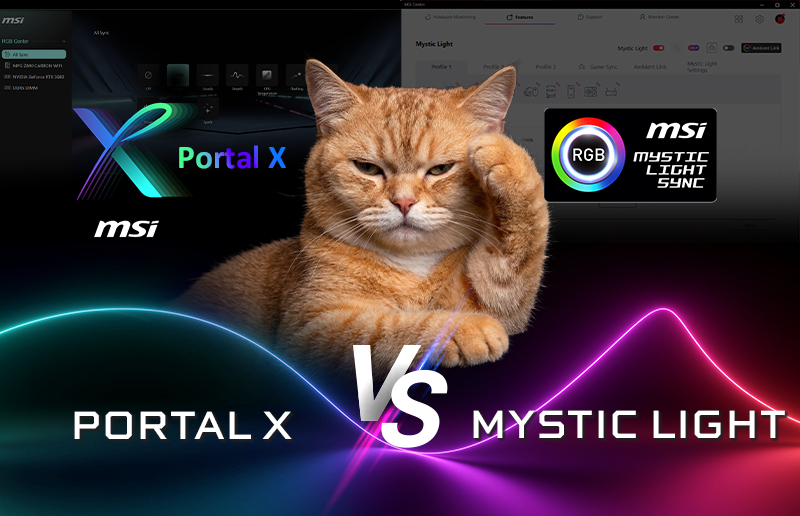
MSI Mystic Light or Portal X? Choose Your RGB Setup for Gaming
Users of MSI’s modern RGB-equipped PCs and components have two distinct ways to adjust their LED lighting setup. If they want to have software installed and ready for deep customization, multi-device sync, AI Engine integration, and have a host [...]
June 29, 2026
How to Check What Motherboard l I have
Quick Answer (TL;DR): The fastest way to find your motherboard model on Microsoft Windows is by opening up command prompt and typing ‘msinfo32’ (without the quotes) and hitting Enter. It should open a System Information window that shows you [...]